
Write an Iceberg table with CROWDB and pandas
Start one container, save six orders, and check the result in pandas.
In this article · reading settings
CROWDB’s crowdb-iceberg:latest container runs an Iceberg catalog, table storage, and a local web Console together. You will write six orders to a table, read them back, and total the paid orders by city.
Use a Linux amd64 host with Docker and Python 3.10–3.12. Use disposable data with this evaluation image, and make sure local port 9092 is free.
1. Start the container
docker run -d --name crowdb-iceberg \
  -p 127.0.0.1:9090:9090 \
  -p 127.0.0.1:9092:9092 \
  crowdb/crowdb-iceberg:latest
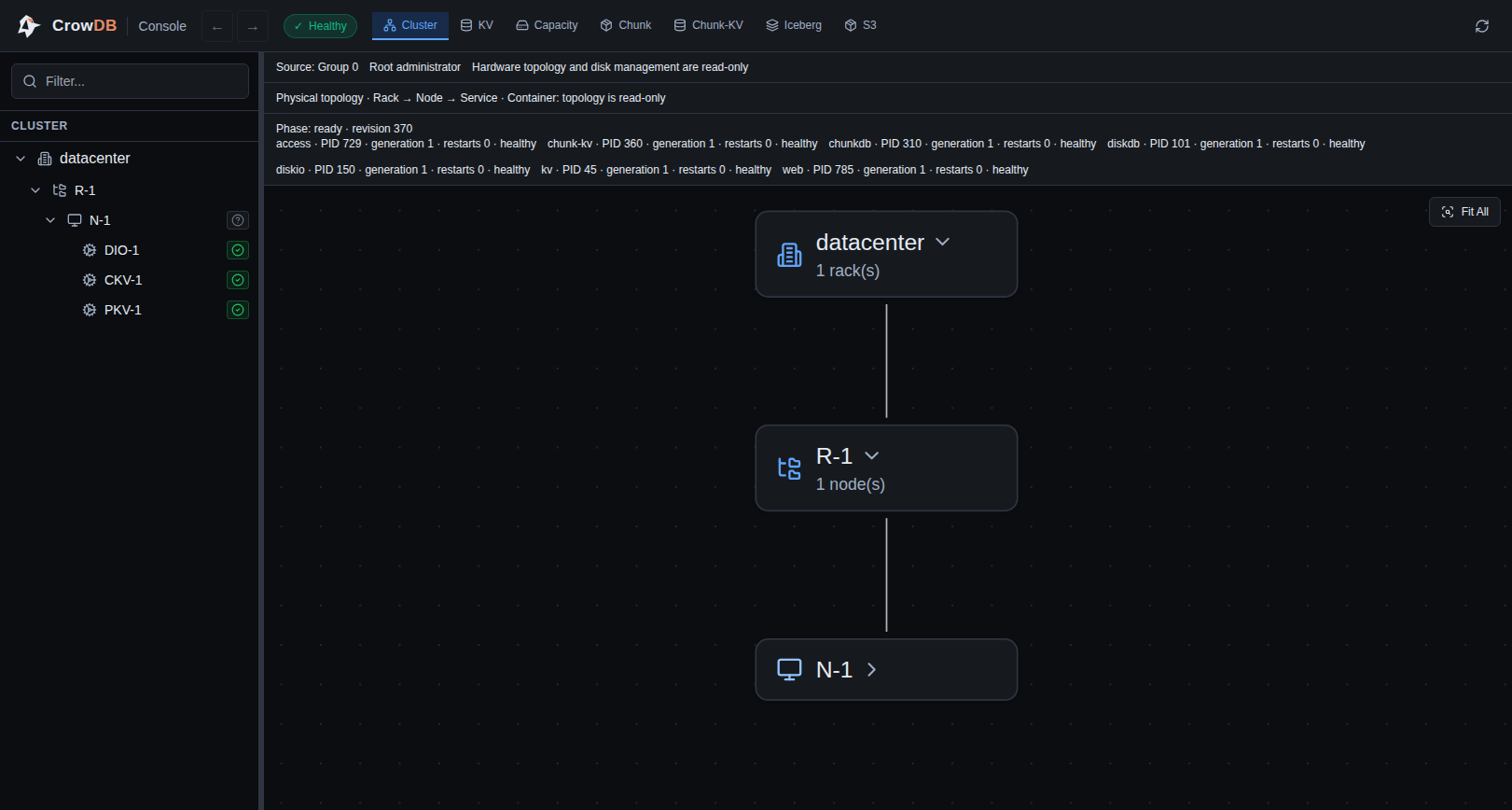
The 9092 mapping keeps the catalog and file service on your machine. The 9090 mapping serves the local Console. Open http://127.0.0.1:9090/ in a browser and select Iceberg. The table tree is empty until the script below creates pandas_demo.orders.
2. Get credentials and install the client
The container generates its own connection values. Save them in a private file, then load them into your shell:
umask 077
docker exec crowdb-iceberg crowdb-monitor credentials show --format env > ./crowdb-iceberg.env
set -a
. ./crowdb-iceberg.env
set +a
python3 -m venv .venv
. .venv/bin/activate
python -m pip install 'pyiceberg[pyarrow]==0.11.1' pandas
The file contains ICEBERG_URI and ICEBERG_TOKEN. Keep it private. The commands below use the values from your container.
3. Write six orders and read them back
Copy this complete script into orders.py:
import os

import pandas as pd
import pyarrow as pa
from pyiceberg.catalog import load_catalog

catalog = load_catalog(
    "crowdb",
    type="rest",
    uri=os.environ["ICEBERG_URI"],
    token=os.environ["ICEBERG_TOKEN"],
)

orders = pd.DataFrame(
    [
        (1, "Beijing", "paid", 120),
        (2, "Shanghai", "paid", 80),
        (3, "Beijing", "cancelled", 200),
        (4, "Shanghai", "paid", 60),
        (5, "Shenzhen", "paid", 50),
        (6, "Beijing", "paid", 30),
    ],
    columns=["order_id", "city", "status", "amount_usd"],
)
arrow_orders = pa.Table.from_pandas(orders, preserve_index=False)

catalog.create_namespace_if_not_exists("pandas_demo")
table = catalog.create_table("pandas_demo.orders", schema=arrow_orders.schema)
table.append(arrow_orders)

saved_orders = catalog.load_table("pandas_demo.orders").scan().to_pandas()
result = (
    saved_orders[saved_orders["status"] == "paid"]
    .groupby("city", as_index=False)
    .agg(orders=("order_id", "count"), revenue_usd=("amount_usd", "sum"))
    .sort_values("revenue_usd", ascending=False)
)
print(result.to_string(index=False))
Run it once:
python orders.py
Refresh the Console and select Iceberg → pandas_demo → orders to inspect the table, its snapshot, and the Parquet file written by the script. The Console is an inspection surface for this local container; the client and query examples above still use the Iceberg endpoint on 9092.
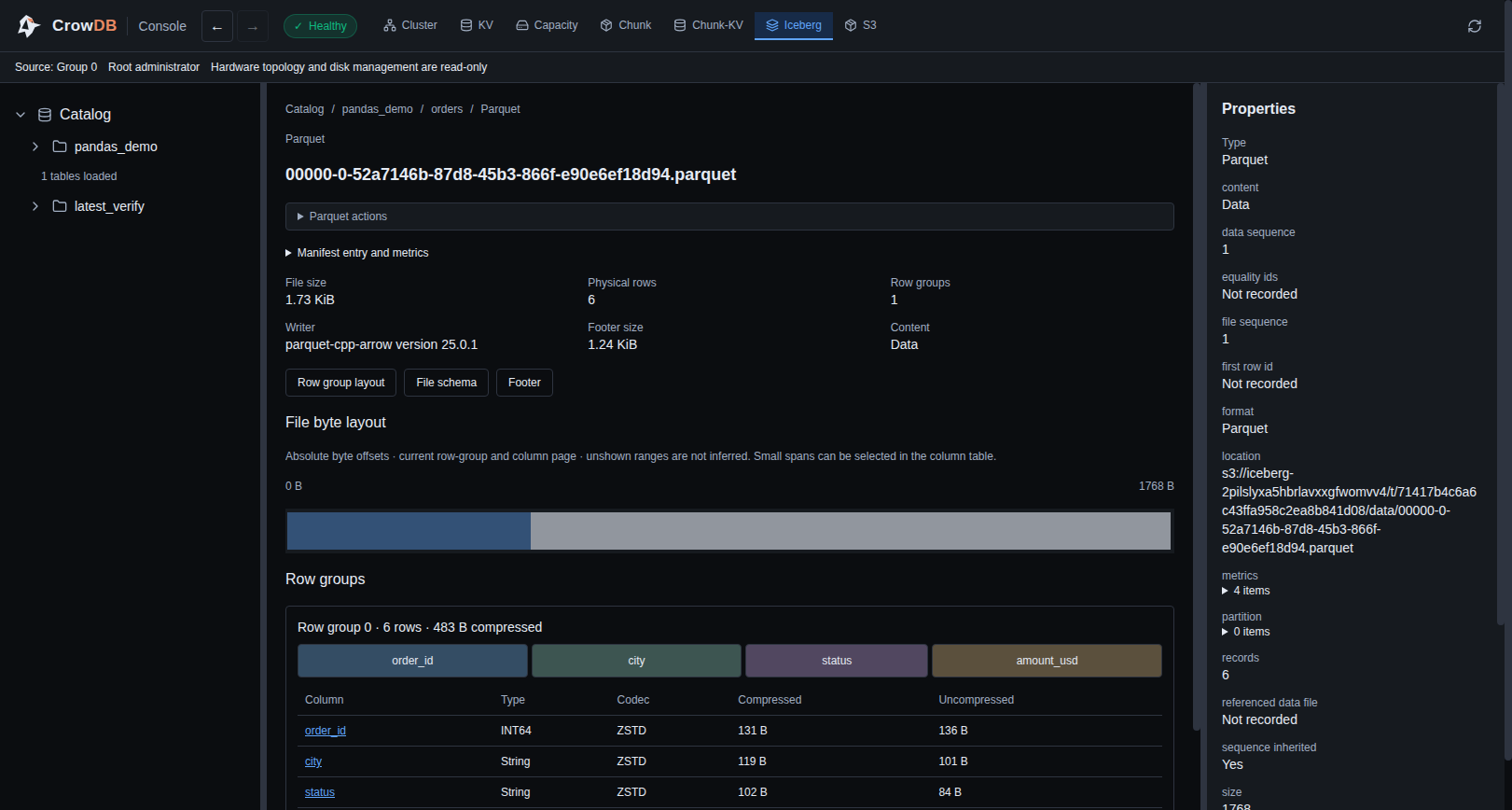
The fresh Iceberg scan reads the rows saved in the container. One order is cancelled, so the five paid orders produce:
    city  orders  revenue_usd
 Beijing       2          150
Shanghai       2          140
Shenzhen       1           50
The script creates pandas_demo.orders; running it again with the same container will find that table already exists. To repeat the example, use a new table name or a new disposable container.
When finished, remove the disposable container and credentials file:
docker stop --time 120 crowdb-iceberg
docker rm crowdb-iceberg
rm -f ./crowdb-iceberg.env
For a persistent volume or other client operations, see the quick start and Iceberg manual.